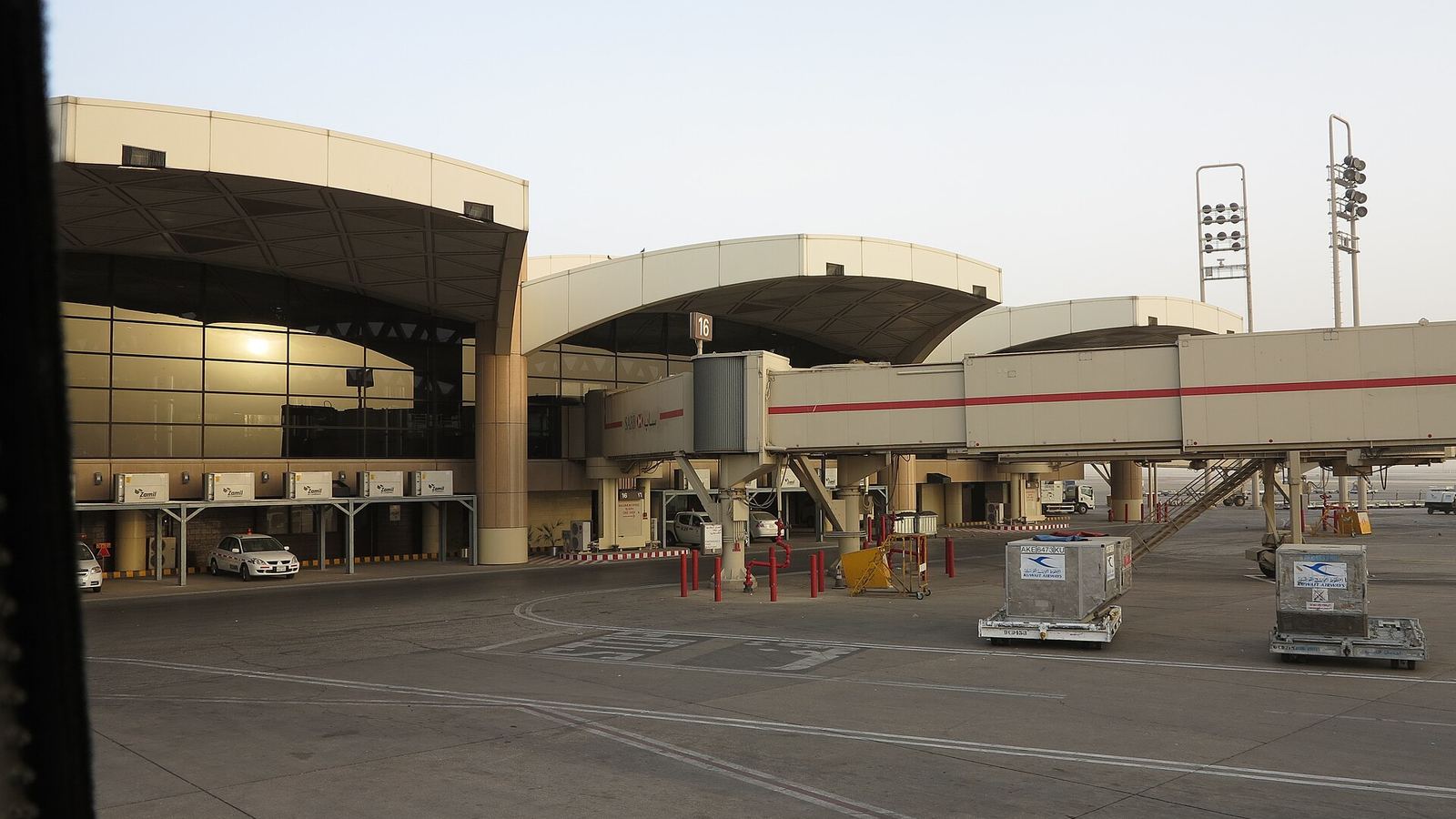
The simplest answer: install a Saudi Arabia eSIM before you land at King Khalid. You skip the counter queue, you avoid the biometric fingerprint scan that every physical Saudi SIM requires, and you have working data the instant your plane touches down on the e-visa. King Khalid does have STC, Mobily, and Zain counters in the arrivals halls, plus free airport WiFi, but each of those still means stopping, waiting, showing your passport, and giving a fingerprint while jet-lagged. A travel eSIM activates over WiFi or home data in a couple of minutes and is ready by the time you reach the metro or the taxi rank.
What This Guide Covers
Jump to the section most relevant to you
SIM and eSIM Options at Riyadh Airport
King Khalid International went through a major terminal reshuffle in early 2026, so it helps to know where you have landed before you look for connectivity. Here is the current layout and what it means for getting online.
Quick Terminal Summary
Under the 2026 allocation, Terminals 1 and 2 handle international carriers (Terminal 2 reopened after renovation for Saudia and Riyadh Air international flights, Terminal 1 for Flynas and Flyadeal international), Terminals 3 and 4 handle all domestic flights, and Terminal 5 serves foreign international airlines. If you flew in from abroad you will most likely arrive at Terminal 1, 2, or 5. Do not rely on memory from an earlier visit, since almost every airline moved terminals in the February 2026 changeover.
Staffed SIM Counters
STC, Mobily, and Zain all run counters in the arrivals areas of the international terminals. Staff sell tourist Visitor SIMs, register the line to your passport, and take the mandatory biometric fingerprint scan on the spot, a process that typically takes 10 to 20 minutes when there is no queue and longer when a flight has just landed. Visitors are capped at one or two SIMs per passport. Counter hours vary by terminal, so a very late arrival may find some desks quiet or closed.
Why There Is No eSIM Kiosk
Travel eSIMs are not sold from a physical rack at the airport, and they do not need to be. You buy and install one online over the airport WiFi the moment you land, or better still before you leave home, and it activates without any counter visit or fingerprint. That is the same thing you could do at home, which is exactly why pre-installing before departure is the cleanest path through King Khalid.
The fingerprint is the real difference
The one thing that makes RUH different from many airports is the biometric registration step for a local SIM. There is no way to skip it for a physical card. A pre-installed eSIM sidesteps the entire process, which is the single biggest reason most short-stay visitors choose one here.
Free Airport WiFi at King Khalid
King Khalid offers free WiFi across its terminals, which matters because it is what lets you activate an eSIM or buy a plan online the second you arrive.
Open WiFi settings
On your phone's WiFi screen, look for the airport network. The SSID has appeared under names such as RUH free Wi-Fi and FreeAirportWiFi, and it has changed over time, so confirm the current name on terminal signage or at an information desk.
Complete the portal step
A portal page opens. Some areas connect straight away, while others generate a login after your passport is scanned at a kiosk in the transit zone. Follow the prompts and accept the terms to get online.
Use it to confirm your eSIM
Once connected, this is the moment to switch on a pre-installed eSIM and check it registers, or to buy and install one if you have not already. Then you are set before you even reach passport control.
Do not count on airport WiFi past the exit
The free signal covers the terminals and little else, so it drops the instant you board the metro or climb into a taxi. It can also be slower and less private than a dedicated mobile plan. Treat the airport WiFi as the tool that gets your eSIM live, not as your connection for the trip into the city.
Riyadh Airport to the City: Transit and Data En Route
King Khalid sits about 35 km north of central Riyadh, so the ride in is a real journey. The big 2026 change is that the metro now reaches the airport, giving budget travelers a genuine alternative to a taxi for the first time. Here are the main options and how data behaves on each.
| Option | Destination | Time | Fare (one way) |
|---|---|---|---|
| Metro Yellow Line | KAFD interchange, then across the network | About 25 to 45 min plus a transfer | Around 4 SAR (2-hour pass) via Darb card |
| Uber / Careem | Anywhere in the city, door to door | 30 to 50 min depending on traffic | Roughly 40 to 80 SAR |
| Airport taxi | Anywhere in the city, door to door | 30 to 50 min depending on traffic | Roughly 60 to 100 SAR |
The Yellow Line now serves the terminals as its final stops (Terminals 1 and 2 at the last station, Terminals 3 and 4 one stop before, and Terminal 5 the stop before that), then runs down to the KAFD interchange where you connect to the rest of the six-line network. It is by far the cheapest way in at about 4 SAR on a Darb card. For most first-time visitors with luggage, though, an Uber or Careem straight to the hotel is the simplest choice, and this is exactly the stretch where you want your own data to request the ride, share your live location, and follow the route.
Data coverage on the ride in
Cellular data from your own eSIM is reliable across the whole route into Riyadh: the networks blanket the airport road and the metro line, with only brief dips in the deepest tunnel sections. That keeps your ride-hailing app, maps, and messages working the entire way, which is precisely when you need them, whether you are matching with a Careem driver at the terminal curb or watching the metro map to time your KAFD transfer.
Why Install an eSIM Before You Land
There is a strong case for sorting your connection before the plane even leaves your home airport, and at King Khalid the fingerprint rule makes it even clearer.
Pre-installed eSIM
Buying at the airport
How to do it
Buy a Saudi Arabia eSIM online a day or two before you fly, add the profile while you still have home internet, and keep the line off until you arrive. When you land at King Khalid, switch the eSIM line on in your settings and you are connected right away, with no airport WiFi login and no counter needed. If you are unsure which plan fits, check our Saudi Arabia eSIM guide first.
Riyadh Airport SIM Prices vs an eSIM
King Khalid's SIM counters are convenient, but you pay in both money and time, since the fingerprint registration is unavoidable for a physical card. Typical 2026 pricing looks like this:
| Where | Typical plan | Price |
|---|---|---|
| Airport counter (Visitor SIM) | Tourist SIM plus a mid data bundle | About 75 to 115 SAR (~20 to 30 USD) |
| Airport counter (larger bundle) | 25 to 50 GB tourist package | Up to about 150 SAR (~40 USD) |
| Online eSIM | Short stay, capped data | From about 8 USD |
| Online eSIM | ~15 days, larger data bucket | Around 20 to 30 USD |
The pattern is consistent: for the same amount of data, an online eSIM generally matches or undercuts the airport counter, and it removes both the queue and the fingerprint step. A Visitor SIM with a decent bundle at the counter lands around 75 to 115 SAR, which is roughly 20 to 30 dollars at the pegged rate of about 3.75 SAR to the dollar, while a short-stay eSIM can start near 8 dollars and a generous two-week eSIM runs around 20 to 30. The airport SIM does give you a physical card and a Saudi number, but for data-only travelers the eSIM wins on price, speed of setup, and skipping the biometric registration.
The verdict
Buy a Saudi Arabia eSIM before you fly and use the airport WiFi only to confirm it is live. Keep the STC, Mobily, and Zain counters in mind purely as a backup if your phone does not support eSIM, or if you specifically want a local number for calls and deliveries. To match a plan to your trip length, run the eSIM Finder.
Frequently Asked Questions
Where do I get a SIM card at Riyadh airport, and do they take a fingerprint?
STC, Mobily, and Zain run counters in the arrivals areas of King Khalid's international terminals. They sell tourist Visitor SIMs, register the line to your passport, and take a mandatory biometric fingerprint scan on the spot, which is required for every physical Saudi SIM and adds 10 to 20 minutes. Tourists are capped at one or two SIMs per passport. A pre-installed eSIM avoids the counter and the fingerprint entirely.
Is there free WiFi at King Khalid International Airport?
Yes. Connect to the airport network, which has appeared under names like RUH free Wi-Fi and FreeAirportWiFi and can change, so check the current SSID on the terminal signage. Some areas connect straight away while others generate a login after your passport is scanned at a transit kiosk. It covers the terminals and is the easiest way to activate an eSIM the moment you land, but it does not follow you into the city.
Can I take the metro from Riyadh airport into the city now?
Yes, this is new for 2026. The metro Yellow Line now serves King Khalid, with the terminals as its final stops, and runs down to the KAFD interchange where you connect to the wider six-line network. It is the cheapest way in at around 4 SAR on a Darb card, though it involves a transfer, so many first-time visitors with luggage still prefer an Uber or Careem straight to the hotel. Your own eSIM keeps data working across either route.
Is buying a SIM at Riyadh airport cheaper than an eSIM?
Usually not, once you count the time. A Visitor SIM with a mid-size bundle at the counter runs about 75 to 115 SAR, roughly 20 to 30 dollars, plus the fingerprint registration. Online eSIMs for Saudi Arabia start near 8 dollars for short stays and run around 20 to 30 for a larger two-week bucket, so for similar data an eSIM typically costs the same or less and skips both the queue and the biometric step.
Should I set up my eSIM before or after landing at King Khalid?
Set it up before you fly. Install the eSIM profile while you still have home internet and keep the line switched off until you arrive. When you land at King Khalid, turn the eSIM on in your settings and you have data immediately, with no counter visit, no fingerprint, and no need to log in to airport WiFi first. Installing after landing works too, but only once you connect to the airport WiFi, which is a slower start.